An image can look perfect on screen and still be too small for a shirt. The picture is fine. The file just doesn't have enough pixels for the print.
PrintReady Flow doesn't make images. It makes sure the one you already have prints right.
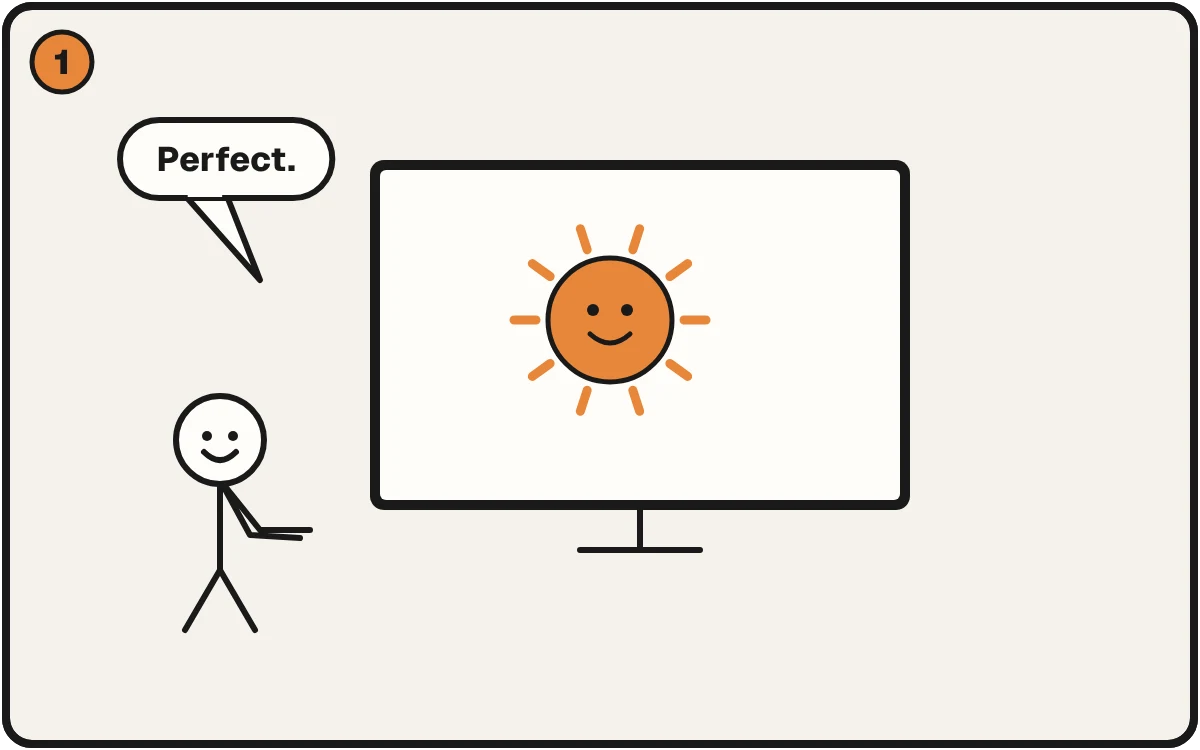
The generated image looks perfect on screen.
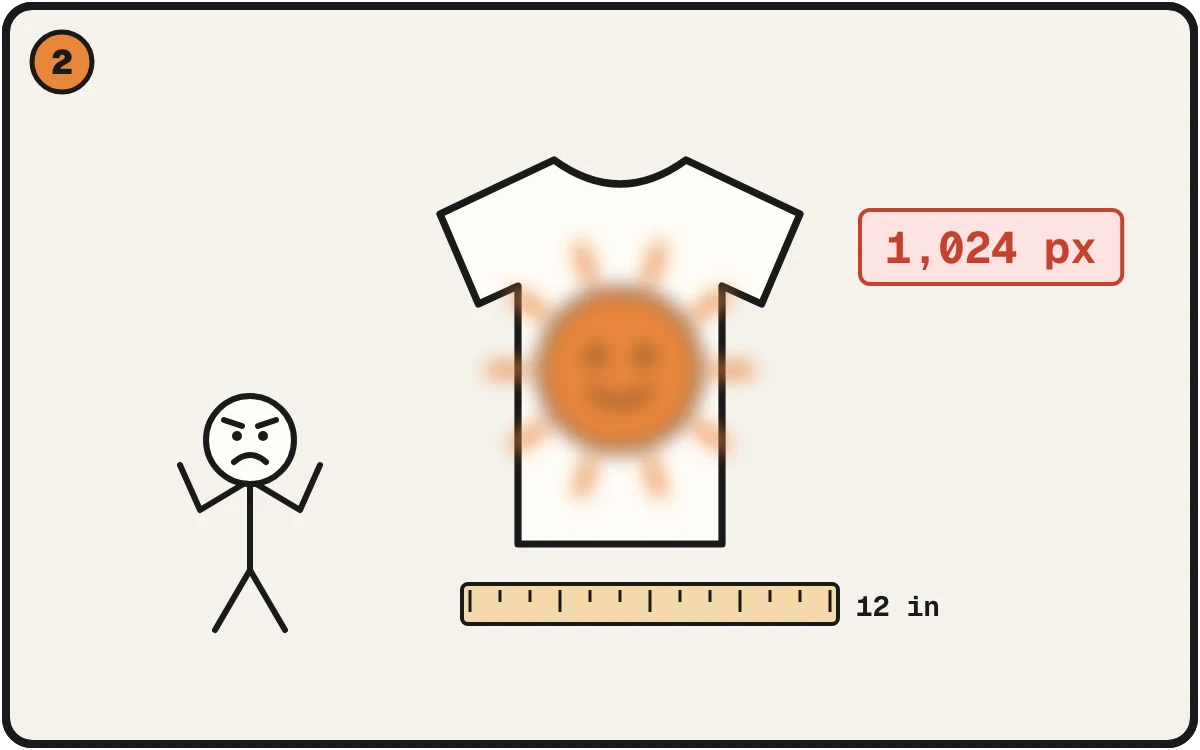
1,024 pixels over 12 inches is about 85 per inch. It prints soft.
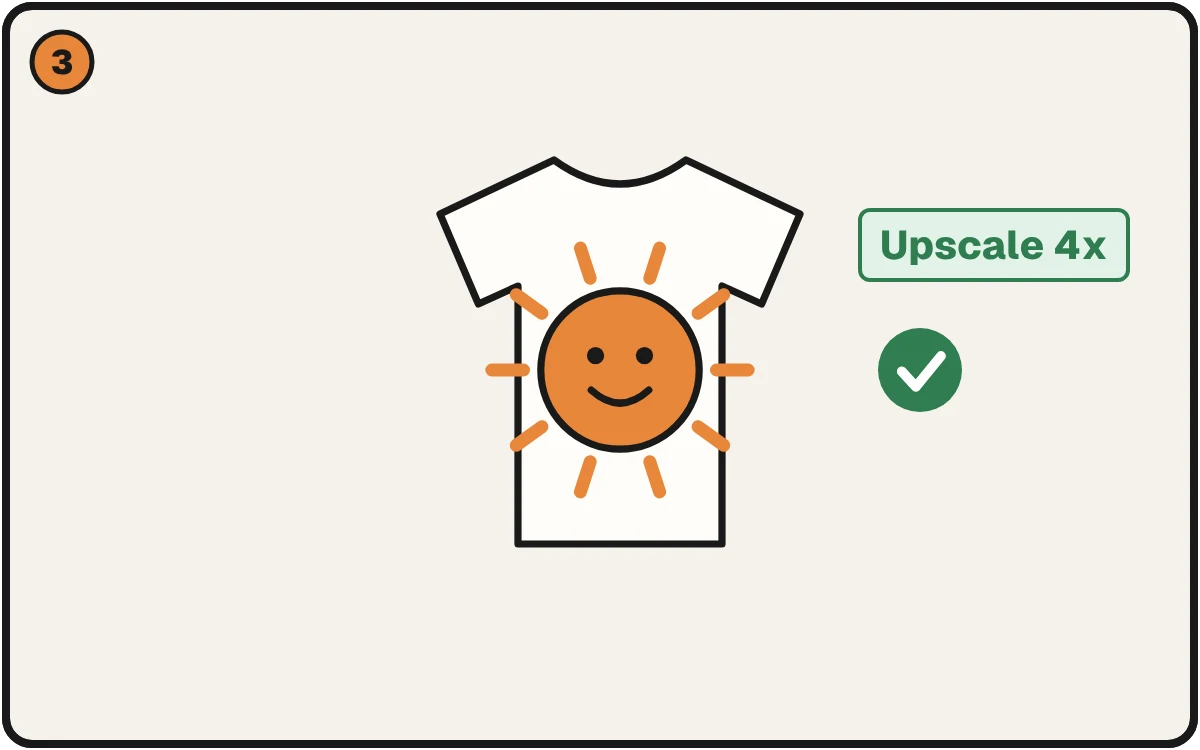
Check the size and upscale before you print. Now it prints sharp.
Why it looks great and prints soft
Screens need very few pixels. A shirt needs a lot. Do the division:
Pixels across ÷ inches you're printing = real sharpness.
Say your image is 1,024 pixels wide. Printed 12 inches wide, that's about 85 per inch. Aim for 300; 250 to 300 is the working range, depending on the artwork. At 3.4 inches wide it'd hit 300, but a shirt design is much bigger than that.
Check the width in pixels of your own image. Many generators give you a small file by default, and the size varies by tool and setting. Your file is the only number that counts.
Three things to check
- Size. Does it have enough pixels for the print size? (See the division above.)
- Background. Is there a box or scene behind the design that you don't want? A white or colored background prints as a rectangle.
- Edges. Cutouts often leave a thin half-transparent fringe that prints as a pale outline on dark shirts.
How to fix each
- Too small: Upscale 4x enlarges the file and fills in detail, so it prints much cleaner than a stretched copy. Check text and fine lines afterward. Stretching it in a basic editor only makes the blur bigger.
- Background: remove it in the editor for a clean cutout, no white box.
- Edges: Fix All clears the fringe, then re-checks the file. You see the plan before it runs.
Then run the print check to confirm.
A word on where this comes from
We built this from running a print shop: thousands of orders, and the same file problems before most of them. Where the picture came from doesn't change them.
Check the file first
Check a File Free. No signup, takes seconds, and you'll know the real size at your print size.