Your file lies to you.
Your screen shows 16 million colors on glowing glass. The press shows ink on fabric. A design that looks perfect on a backlit display can come off the press soft, hazy, or missing pieces — and you won't know until it's already printed. Upload your file and get a readiness report in about 10 seconds.
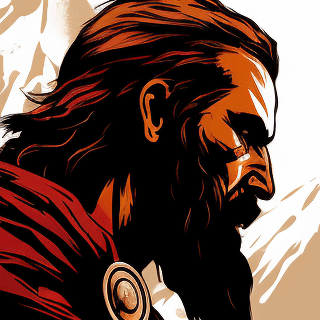
Up close — fuzzy hair strands · soft brow lines · mushy eye detail
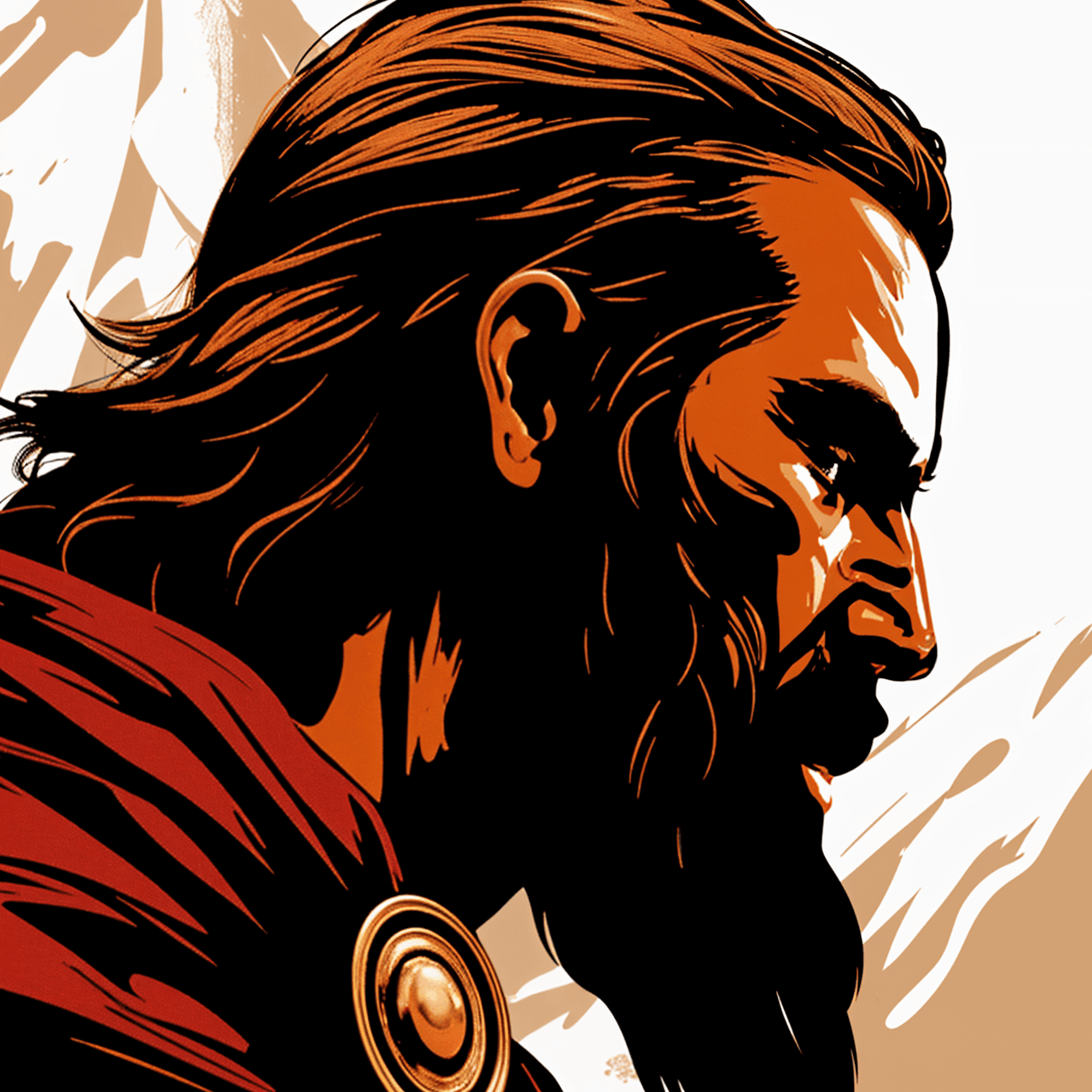
Up close — crisp strands · defined brows · sharp eye linework
That dusty white halo? Invisible pixels.
Cheap background removers leave behind stray pixels that print as ugly white rings. Auto removers, soft brush edges, and JPG-to-PNG conversions all leave pixels you can't see. On DTF and DTG, the printer lays white ink on every one of them — that's the halo. We find every one and wipe them out, so your edges print clean.

Blurry on the shirt, fine on the screen.
Web graphics and screenshots die at print size. The Sharpness check catches it before you commit, and Make Sharper rebuilds the file for your actual print size — sharp where it counts, not just bigger pixels.

One file. Five methods. Five different answers.
Pick DTF, DTG, screen, sublimation, or HTV and every check adapts to your method and fabric color. The same design can pass for sublimation and fail for DTF on dark cotton — white base layers, halftone rules, and edge tolerance all change with what's on the press. Generic validators don't know fabric exists.


Fix everything in one click.
No hunting through menus, no guessing the order. Fix All lays out the plan — background, sharpness, edges, size — in the right order, and you approve it once. Uncheck anything you'd rather do yourself.
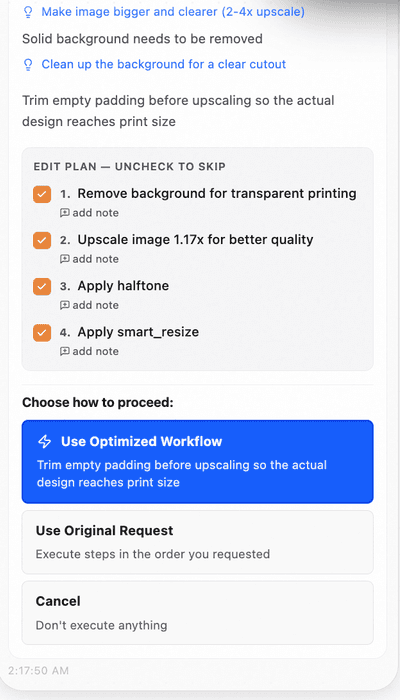
Gang sheets that don't waste film.
Pack designs too tight and transfers fuse together. Pack them loose and you're paying for empty film. The builder nests your designs tight and rotates them to squeeze the shortest possible roll — film you don't print is money you keep.
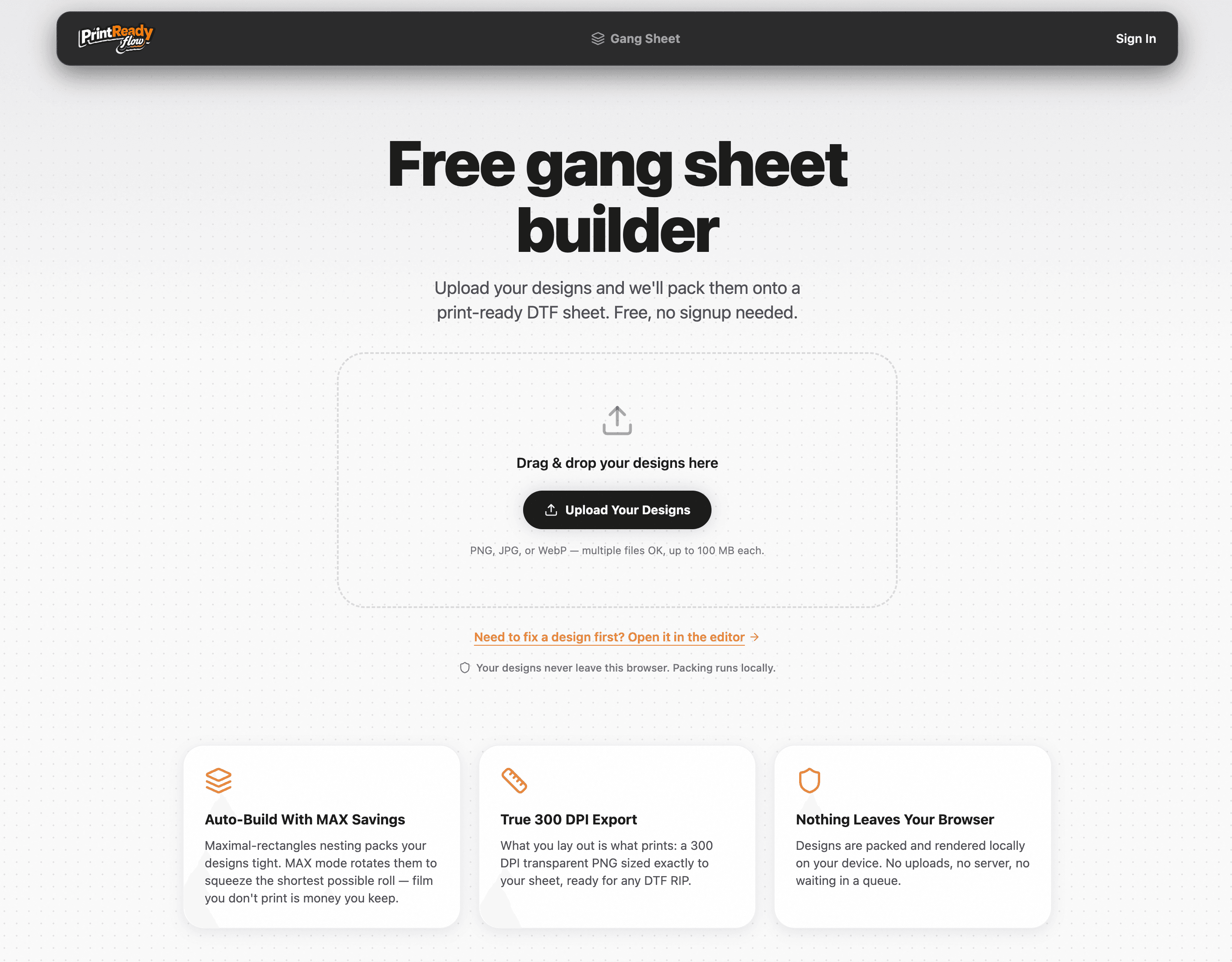
Just say what you want.
Type “remove the background and upscale 2x” and it runs the tools for you. Done. No panels to learn, no menus to hunt — the fastest path from a broken file to a print-ready one. Ask why a file failed or what a fix does, and you get the reason, not a lecture.
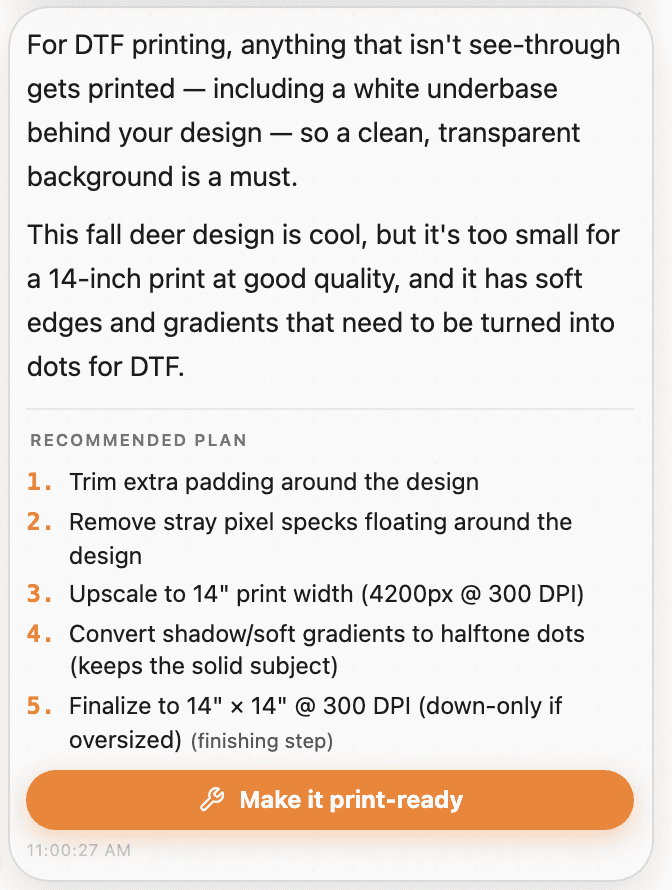
Export ready for wherever you print.
Platform presets pin the exact dimensions, sharpness, and format each service demands — pick where it's going and the file comes out right.
Print-ready is the floor. This is the good stuff.
The moves a designer with ten years of Photoshop does before every press run — one click here.
Texture Cut — the worn, retail look
Blends a texture through your design like the pros do — and less ink on the shirt means a softer feel.
Halftone — the vintage tee effect
Turns smooth shading into clean print dots, the look screen printers charge extra for.
Try the Halftone Tool →Soften Shadow — no hard edges
Fades shadows out gently so they melt into the fabric instead of stopping at a line.
Smart Color Replace — endless colorways
Swap any color and keep the shading — one design becomes a whole product line.
Product Mockup — see it on the shirt first
Put your design on the product before you press a single transfer.
Expand Canvas — room to breathe
Gives a tightly-cropped design the space it needs to sit right on a garment.