The DPI number in a file is a note somebody wrote down, not a measurement of how sharp the file is. Two files with the same label can print completely differently.
The check that tells you the truth is one division.
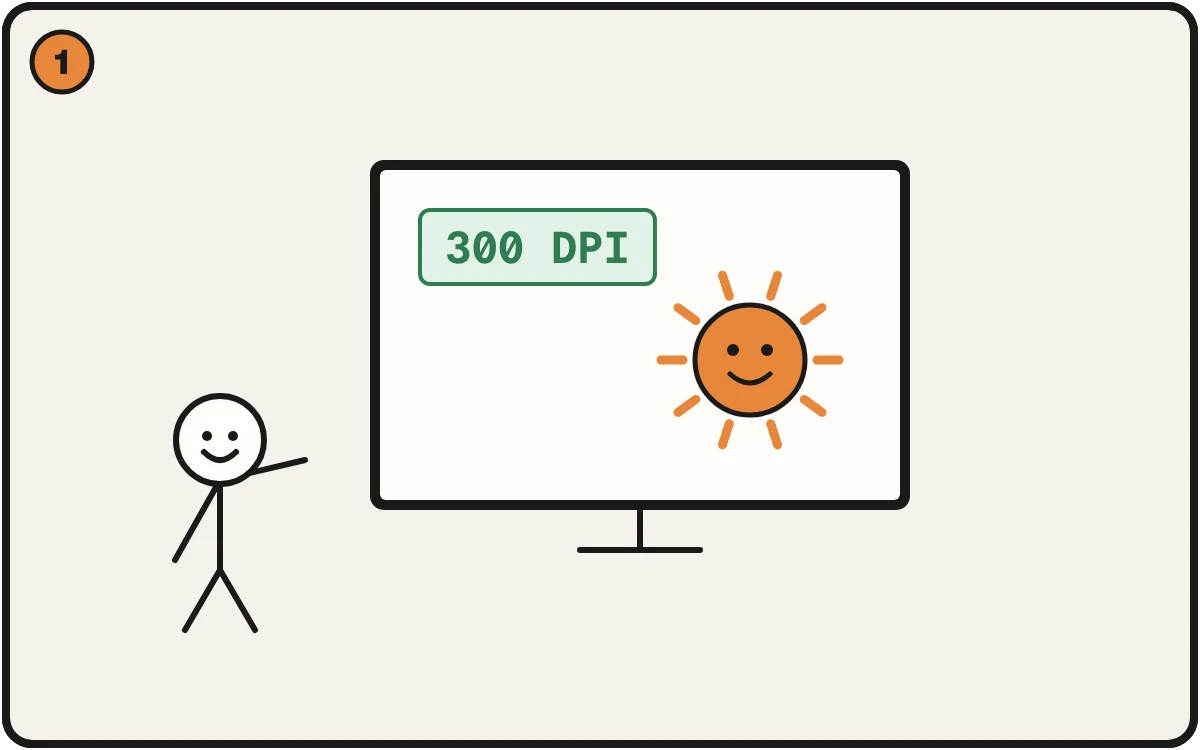
The file says 300 DPI. Looks like good news.
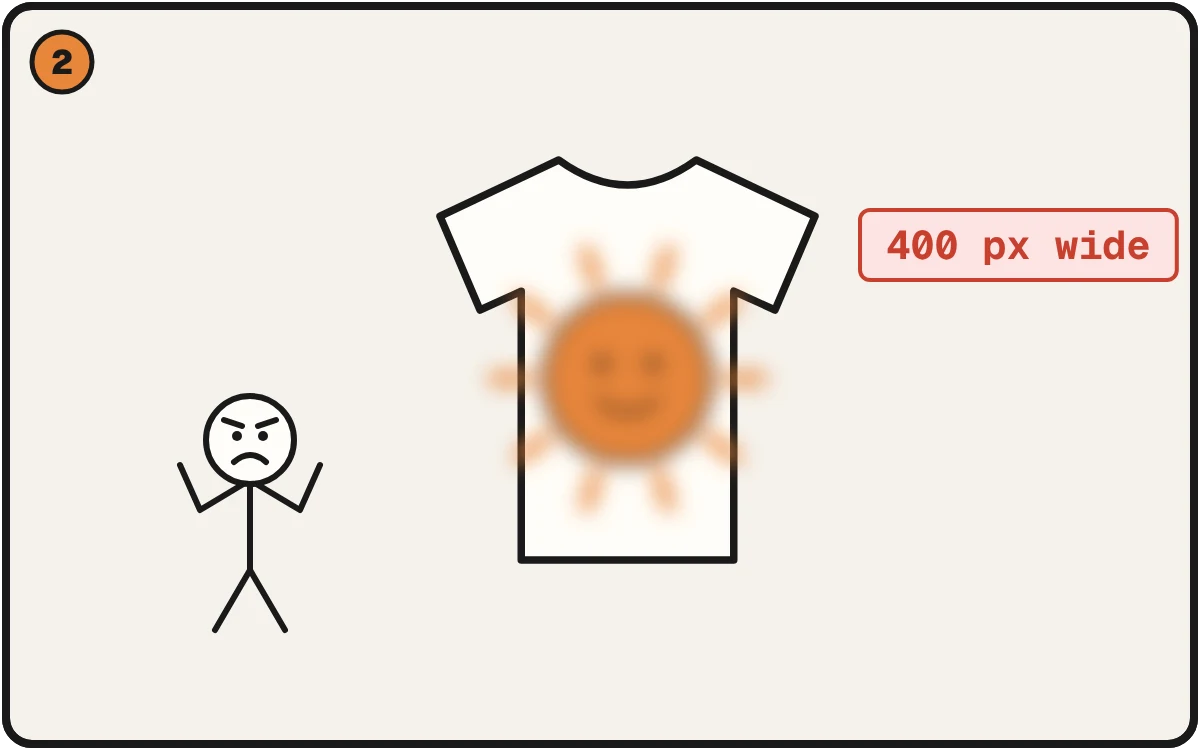
But it’s only 400 pixels wide. Printed big, it goes soft. The label never measured anything.
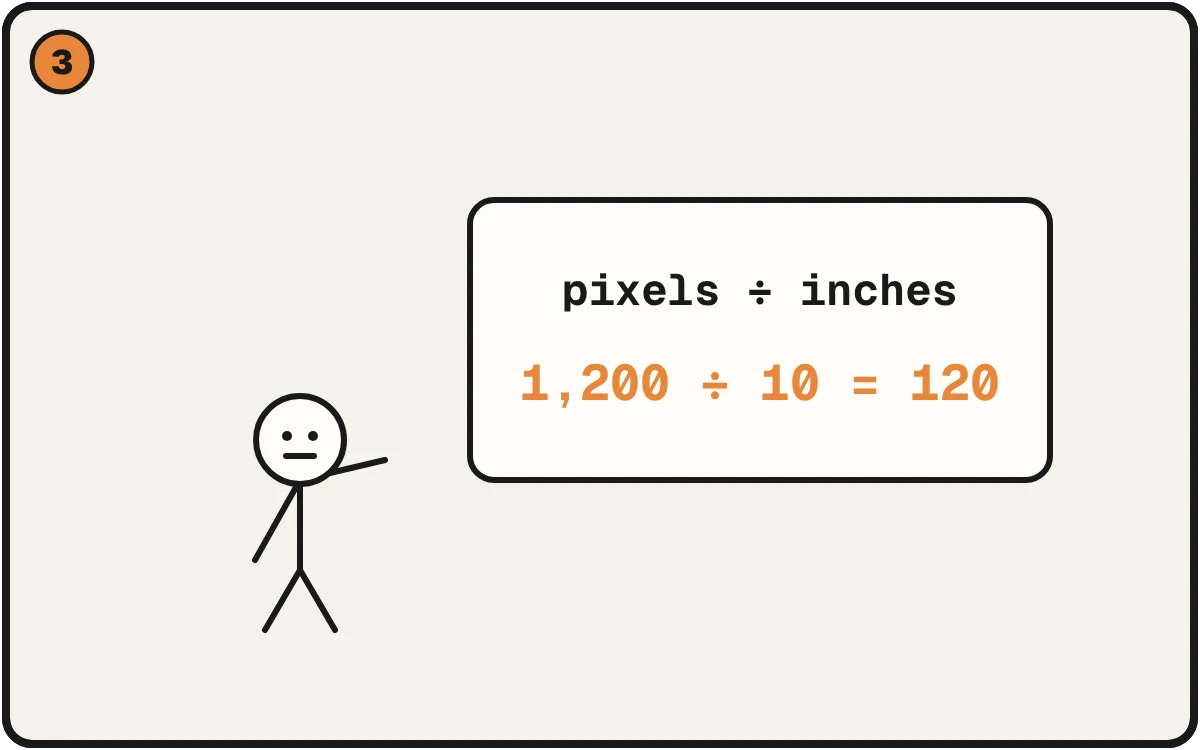
Skip the label. Pixels across ÷ inches wide is the real number.
What the number actually is
DPI means dots per inch: how many pixels fit in each inch of print. A file only has a fixed number of pixels across. That never changes when you retag it. What changes is how many inches you spread those pixels over.
Take a 1,200-pixel-wide image:
- Printed 4 inches wide: 300 DPI.
- Printed 12 inches wide: 100 DPI.
- Printed 40 inches wide: 30 DPI.
Same file, three correct answers. So "is this file 300 DPI?" can't be answered until you say how big it prints.
Why the label lies
Every image has a field for its intended resolution. A camera fills it. A screenshot tool writes its own number, often 72 or 144. A design app writes whatever the document was set to. Nobody measured anything.
You can tag a 400-pixel logo as 3000 DPI. The label says 3000. The logo is still 400 pixels wide.
It goes the other way too. A big, detailed file that passed through a web export gets tagged 72, and someone rejects good art because the label looked wrong.
The tag is usually honest inside one tool. It lies when a file moves between tools, gets resized, or arrives from someone else. Which is exactly when you need to check it.
The check that works
- Find the pixel width. The real width in pixels, not the DPI field.
- Write down the print width in inches. The real one, on the real product.
- Divide. Pixels ÷ inches is your actual resolution at that size.
A 1,200-pixel logo on a 10-inch chest print: 1,200 ÷ 10 = 120. That's the number. Not what the file says about itself.
Two things follow. One file can pass and fail at once, depending on size: fine on a small print, soft on a big one. And how far away it's viewed matters: a sign read from across a room needs less than a card held in your hand. The division tells you what you have. Your printer can tell you what's enough.
More on the basics: What is DPI and why it matters · What 300 means at print size
Skip the math
Use the free DPI calculator. Enter your image and print size, and see the real number. Or Check a File Free and the checker uses pixels, never the label.