No designer. No pricey software. No confusing app. Just a file that's ready to print.
A DTF file is ready when it has no background, clean edges, enough pixels for the size, and nothing fragile in it. Check these six things and you've caught the file problems behind most of the reprints we saw.
Across thousands of orders, the same list keeps showing up: there's a background, the file is too small for the print, it's sized wrong, the gradient bands, the fine lines fill in, the edges are rough. This page is that list, with a fix next to each.
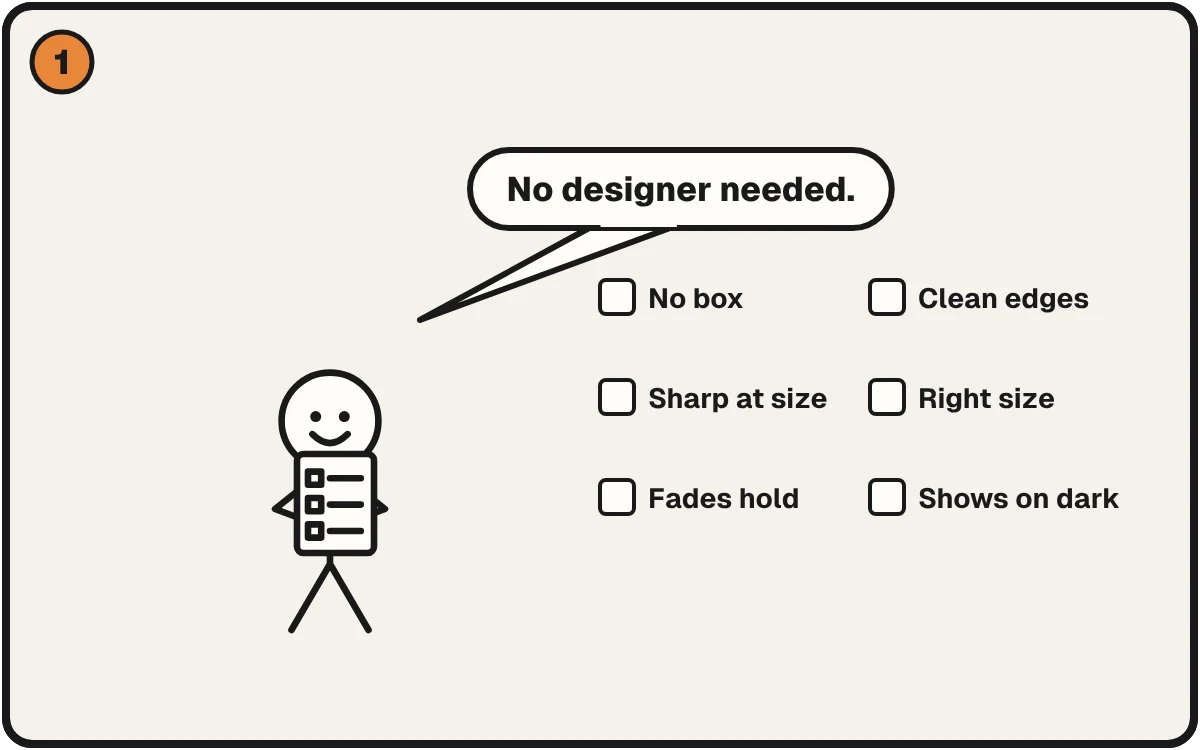
Six checks decide if a DTF file prints clean.
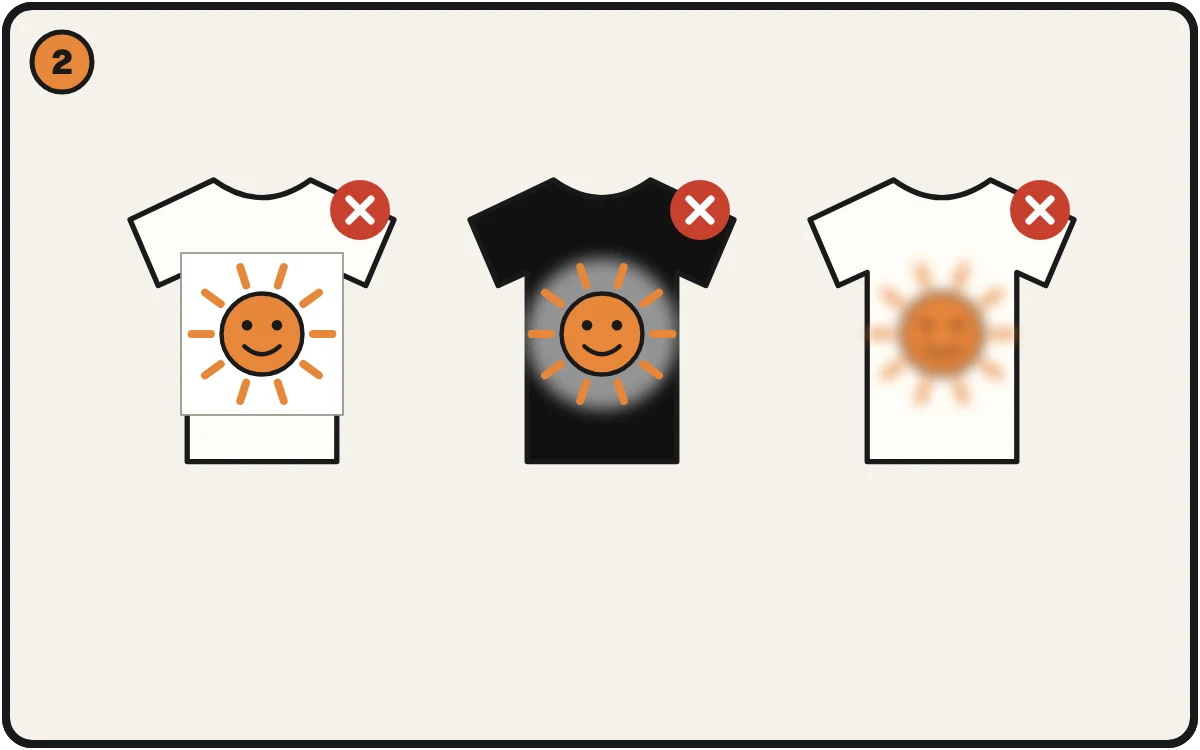
A box, a pale ring, a soft print. The same three keep coming back.
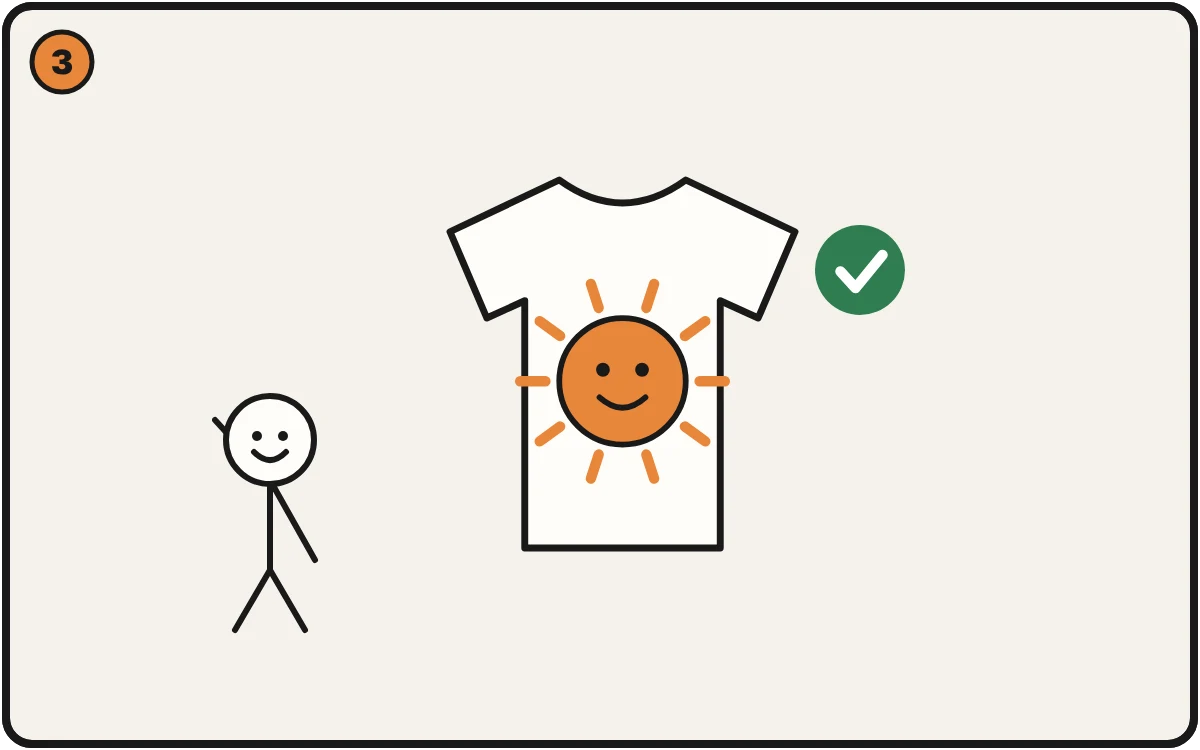
Check them first and the shirt comes out right.
The six checks
1. No box behind the design
A flat white or colored block around the art will print as a solid rectangle. Your file should show transparent (the checkerboard) behind the design, and the checkerboard must be real transparency, not a picture of one.
Fix: Why a rectangle printed around my design · Your transparent PNG isn't transparent
2. Clean edges, no white haze
Soft, feathered edges print as a pale outline, especially on dark shirts. You can't see it on screen.
Fix: White haze around a print · Why your DTF transfer has white haze
3. Sharp at the size you're printing
A file that looks fine on a phone can be too small for a 12-inch print. The number that matters is pixels across divided by inches printed. Aim for 300. 250 to 300 is the working range, depending on the size and type of artwork.
Fix: My design printed blurry · Canva to print · How big can I print this?
4. The right size for the placement
Your file should be built at the size you'll print, not stretched to it afterward.
Fix: Printed bigger or smaller than I wanted
5. Fades that hold
Smooth gradients can band into stripes or turn patchy and muddy.
Fix: Fades printing as stripes · Halftones for DTF
6. Nothing that disappears on a dark shirt
Black art on a black shirt vanishes. Stray pixels print as specks.
Fix: Design disappears on a dark shirt · Specks on the shirt
File type, in one line
Send a PNG with a transparent background unless your printer tells you otherwise. Ask them what they accept. Rules vary by shop.
Check all six in seconds
Check a File Free runs these checks for your print method and fabric color, and puts the fix next to anything that fails.